
SSD vs HDD: Which Storage Drive is Right for Your PC Upgrade?
K
Written by: Kabir Mehta
Hardware Engineer · Published on 4 June 2026
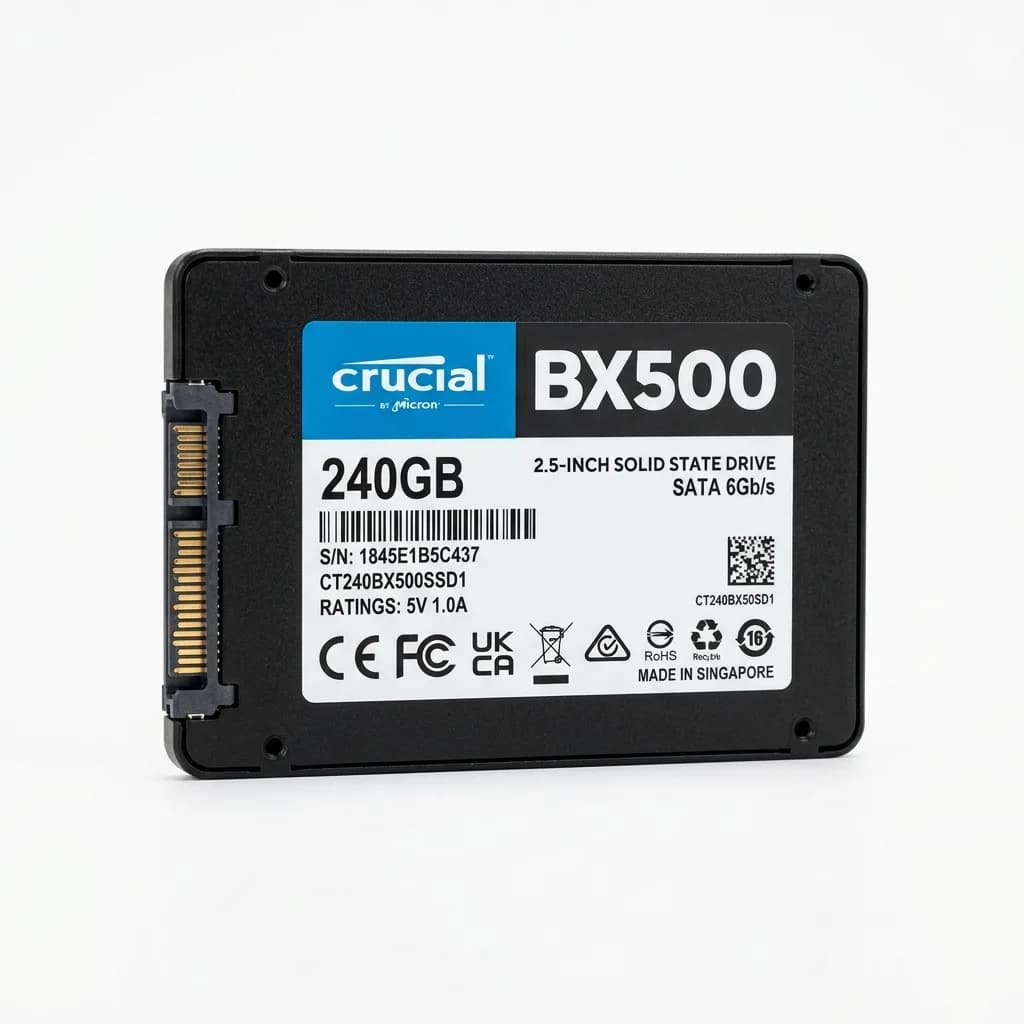
When upgrading your desktop or laptop, one of the most critical decisions is choosing between a Solid State Drive (SSD) and a Hard Disk Drive (HDD).
📊 Direct Comparison: SSD vs HDD
| Feature | SSD (Solid State Drive) | HDD (Hard Disk Drive) | | :--- | :--- | :--- | | Speed | 500 MB/s to 7500 MB/s | 80 MB/s to 160 MB/s | | Boot Time | 10–15 Seconds | 40–90 Seconds | | Durability | High (No moving parts) | Medium (Mechanical parts) | | Noise | Completely Silent | Click/Hum Sounds | | Price per GB | Higher | Ultra-Low |
🚀 NVMe M.2 SSDs vs SATA SSDs
- SATA SSD: Fits in standard 2.5" bays. Offers up to 550MB/s speeds, perfect for reviving older laptops.
- NVMe M.2 SSD: Connects directly to the PCIe bus on modern motherboards. Yields up to 7500MB/s speeds, perfect for gaming PCs and workstations.
💡 The Hybrid Storage Strategy
For the best price-to-performance ratio, we recommend a hybrid setup:
- Primary Drive (SSD): A 250GB or 512GB NVMe SSD for your Windows OS and frequently played games.
- Secondary Drive (HDD): A 1TB or 2TB internal hard disk for massive backup files, movies, and archives.
Upgrade your storage system today. Browse high-performance SSD & Storage Drives.