
How to Choose a Motherboard: The Ultimate PC Builder Guide
R
Written by: Rohan Malhotra
Custom PC Architect · Published on 5 June 2026
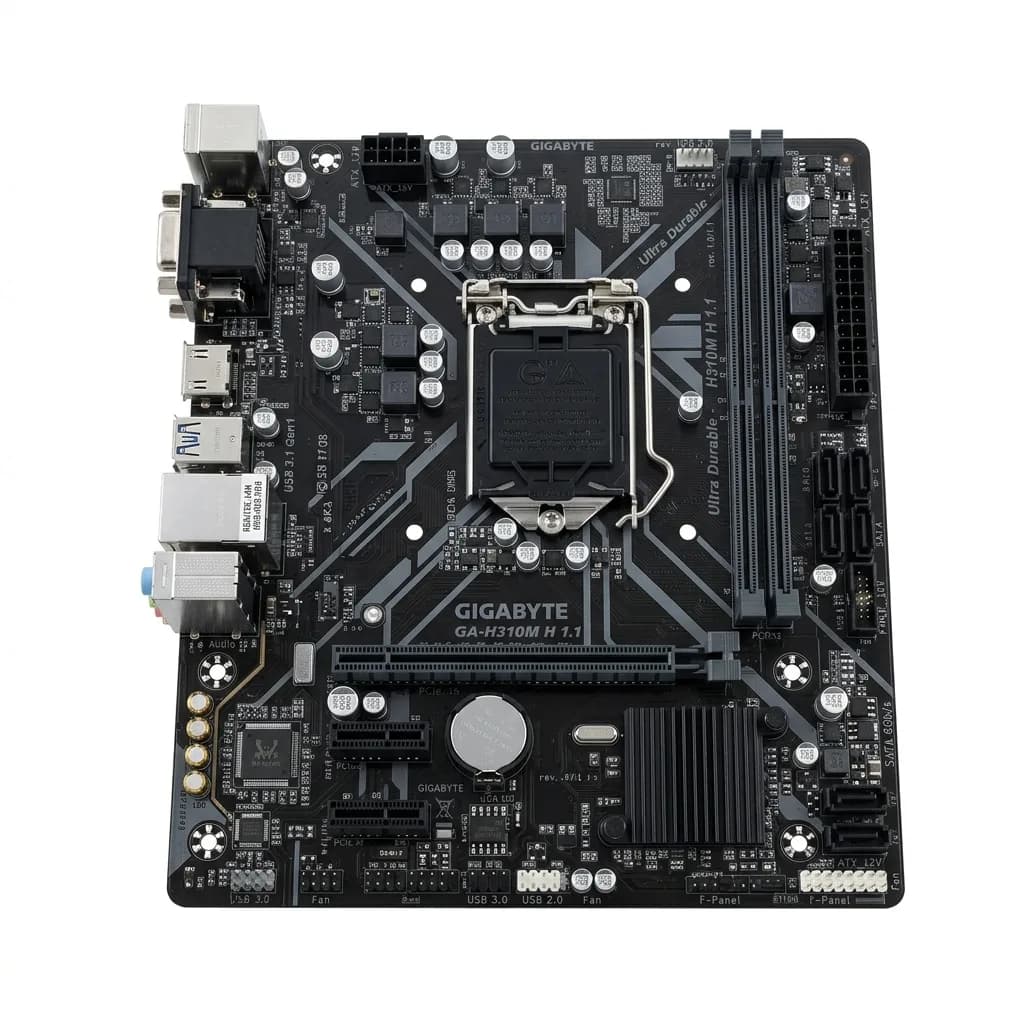
The motherboard is the backbone of your computer. It houses the CPU, routes power from the PSU, and interfaces RAM, graphics cards, and storage drives. Choosing the wrong motherboard can lead to compatibility issues.
🔍 1. CPU Socket Compatibility
Your motherboard socket must match your processor exactly:
- Intel Socket LGA1700: Supports 12th, 13th, and 14th Gen Core processors.
- AMD Socket AM4: Supports Ryzen 3000, 4000, and 5000 series processors.
- AMD Socket AM5: Supports newer Ryzen 7000 and 8000 series DDR5 processors.
📏 2. Form Factors (Sizes)
- ATX (Standard): Offers the most expansion slots, RAM slots, and VRM heatsinks. Fits in mid-tower cases.
- Micro-ATX (Mainstream): Slightly shorter, fits in compact cases, and offers excellent value.
- Mini-ITX (Compact): Designed for small-form-factor builds; supports only 1 PCIe slot.
🔌 3. Critical Features to Check
- VRM Quality: Better VRMs with heatsinks keep temperatures low under heavy CPU overclocking.
- PCIe Gen support: Ensure it supports PCIe 4.0 or Gen 5 for modern GPUs and NVMe SSDs.
- Wi-Fi Integration: Look for built-in Wi-Fi models (e.g. Gigabyte B450M DS3H WiFi) to avoid using external dongles.
Find the right foundation for your CPU. Shop all Motherboard Models.